
Welcome
to this online demonstration of...
AcuBase
Standard 2.003!
Details
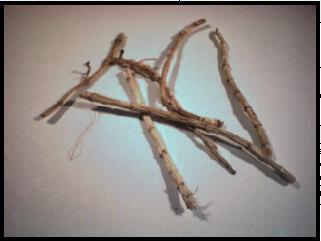
About The Herbs Database Clicking
on the "Photo" button will show a photo of most herbs in the
database (note: quality of the photo depends on your computer screen
resolution. And, no, this is not a photo of Bai Bian Dou!). The "Related
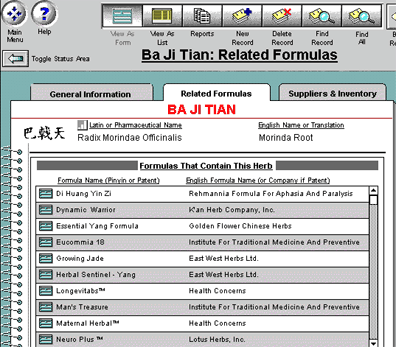
Formulas" tab will show you all of the related standard formulas
as well as patent formulas in the database--even those you add yourself!
And, by clicking on the box next to any given formula, you will be taken
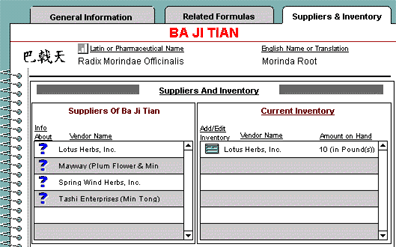
directly to it. The third
tab, "Suppliers & Inventory," shows you all of the vendors
in AcuBase who supply this herb, and, if you have it in inventory, you
will see that, as well (and have another instant relational link to
it). You can also click on the question mark icon next to any vendor
to get detailed information about a given vendor. Finally,
like the acupoints database, herbs and their related information may
also be printed on note cards (including Chinese characters), or in
longer reports. BACK
to demo page 6.
Back
software page acupuncture site

HOME–Ac
Home –Alt
Back software page acupuncture site
Back software page
alternative health care site
AcuBase
Demo
Back software pagealternative
health care site
 Back
BackNext
